Text to Video for Fast Cinematic Creation
Create polished clips with Text to Video prompts, flexible models, and fast export controls built for ads, landing pages, social content, and cinematic scenes.
Duration
Resolution
Ratio
Quality
Preview video
Write the scene first, then turn it into motion
This Text to Video page is designed for users who want to start from language instead of footage. It works well for ad concepts, launch visuals, short branded scenes, creative prototypes, and prompt-led cinematic drafts that need to move quickly from idea to output.
Creative Focus
Prompt-first ideation with export-ready output
Built For
Ads, social motion, product visuals, and concept videos

Workflow
A direct prompt-to-motion workspace with fast preview and export
Production Logic
Clear controls for fast prompt iteration
Move across models and keep the same Text to Video workflow in view while you test different looks.
Output Control
Settings that map cleanly to real publishing formats
Use one Text to Video page for vertical short-form clips, website motion, mock ads, and brand loops.
Amazing Features
What makes this Text to Video page useful
The page is built around Text to Video creation, but it also covers the practical details users care about: prompt depth, model choice, output control, and a preview-first workflow.
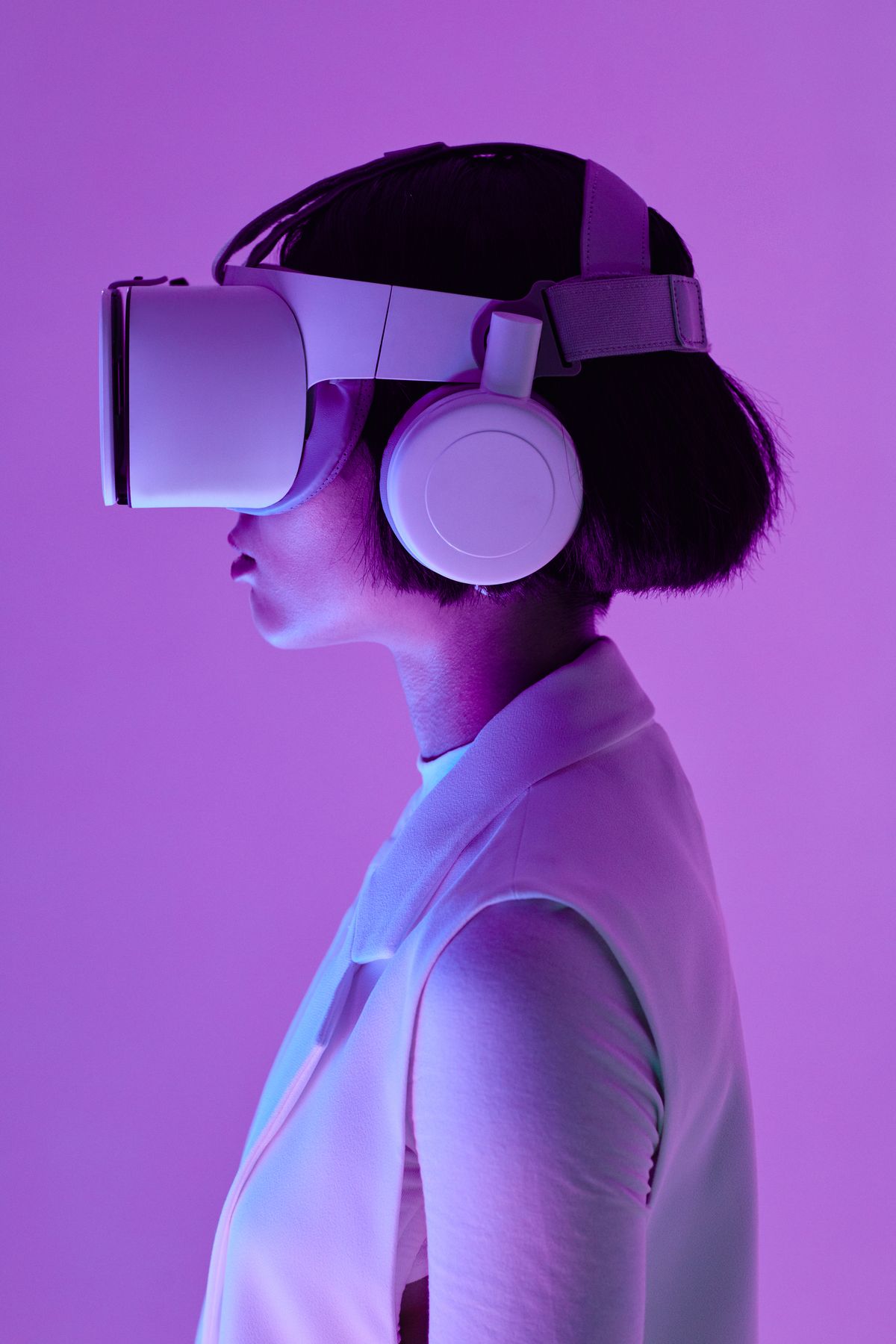
Prompt-led scene building
Text to Video works best when you direct a scene the way a creative director would. Write the subject, environment, action, lens feel, timing, and atmosphere, and Sora-2.run translates that written direction into a short motion sequence with a cleaner cinematic result.

Prompt-first creation with optional references
This page is centered on Text to Video, but you can still attach a visual reference when a campaign needs tighter art direction. That gives teams a flexible route: pure Text to Video ideation when speed matters, or guided Text to Video generation when brand control matters more.

Model switching without workflow reset
Different prompts need different engines. Sora-2.run lets you test Text to Video across Sora 2, Happy Horse, Veo 3, and Runway while keeping the same prompt, preview panel, and output controls visible, which makes model comparison much easier in practice.

Distribution-ready output settings
Strong Text to Video output is not just about generation quality. It also needs the right shape, timing, and resolution for the channel it will be used on, whether that is a paid ad, landing page hero, short-form post, or internal presentation clip.
Models
Compare the Text to Video model paths
Each Text to Video model behaves differently. Use this comparison to choose the right balance of pace, motion feel, resolution, and clip length for your use case.
| Model | Text to Video | Image to Video | Multi-shot | Native Audio | Input | Max Resolution | Clip Length |
|---|---|---|---|---|---|---|---|
| Sora 2 | Yes | Yes | Basic | No | Prompt + image | 1080p | 5s |
| Seedance 2 | Yes | Yes | First/last frame | Yes | Prompt + image | 1080p | 4-12s |
| Happy Horse | Yes | No | Basic | No | Prompt | 1080p | 3-15s |
| Veo 3 | Yes | Yes | Workflow-based | Limited | Prompt + image | 1080p+ | 8s |
| Runway 5s | Yes | Yes | Clip-based | No | Prompt + image | 720p-1080p | 5s |
| Runway 8s | Yes | Yes | Clip-based | No | Prompt + image | 720p-1080p | 8s |
| Runway 10s | Yes | Yes | Clip-based | No | Prompt + image | 720p-1080p | 10s |
Designed around iteration speed
The value of Text to Video is not novelty. It is throughput. Teams need to move from brief to visual quickly, compare directions, and decide what deserves more production effort.
Made for direct comparison
A serious Text to Video workflow should keep writing, previewing, model switching, and exporting together. That setup makes side-by-side creative comparison much cleaner than scattered tool hopping.
Useful beyond solo prompting
Text to Video is often treated like a solo creator tool, but it is equally useful for brand teams, agencies, and internal marketing groups that need faster motion concepts and presentation-ready visuals.
Built for commercial search intent
Searches for Text to Video usually come from users who want a working tool, not an essay. This page explains the workflow, surfaces the interface immediately, and still gives enough depth to answer buying and usage questions.
Effects & Templates
Prompt ideas that pair well with Text to Video
AI Hugging Video Generator
360 Spin Video Effect
AI Dance Generator
Celebrity Selfie Video
AI Squish Video Effect
AI Inflate Video Effect
A simple Text to Video workflow
Write a directed prompt
Begin with a Text to Video prompt that sounds like scene direction, not just a keyword list. State who or what is in frame, where it happens, what moves, how the camera behaves, and what emotional tone the clip should carry.
Match settings to the channel
Choose model, duration, ratio, and quality according to where the Text to Video result will be used. Social placements, homepage motion, and concept visuals each need different framing, pacing, and output priorities.
Refine, compare, export
Generate the clip, watch the motion, adjust the wording, and regenerate until the scene feels intentional. Text to Video improves quickly when you iterate on camera language, movement verbs, and atmosphere rather than rewriting everything from scratch.

Use Cases
Prompt-led video for brands, creators, and fast campaign work
Where Text to Video fits best
- Product launch visualsText to Video is useful for launch teasers, hero product scenes, and short commercial-style loops in ecommerce, beauty, fashion, consumer electronics, and SaaS.
- Paid-media variationsText to Video helps teams produce and test multiple ad openings, motion directions, and visual hooks for TikTok, Reels, Shorts, and broader paid-social campaigns.
- Homepage and landing motionUse Text to Video to create loops and hero clips that make product pages and launch landing pages feel more cinematic without waiting on a traditional motion pipeline.
- Concept developmentText to Video is a fast way to pressure-test scenes, pacing, and visual narratives before a larger campaign, shoot, or edit budget is committed.
Text to Video FAQ
Text to Video converts written direction into short motion clips. Instead of building every frame manually, you describe the scene and the system generates visual movement, framing, and atmosphere from that prompt.